Simple, Fast, Network Attached Storage
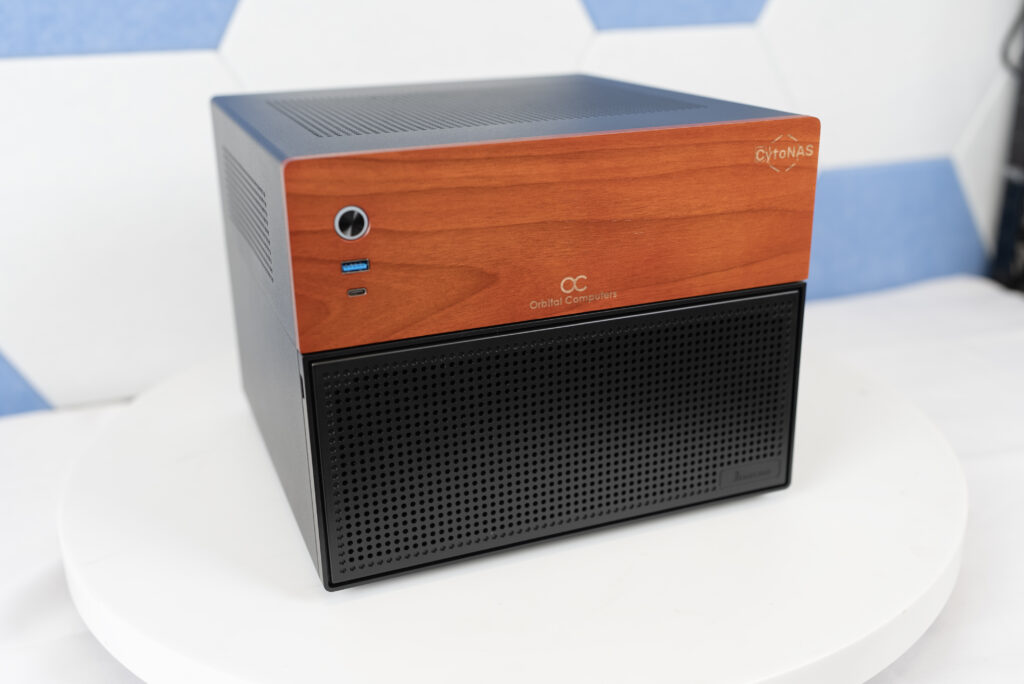
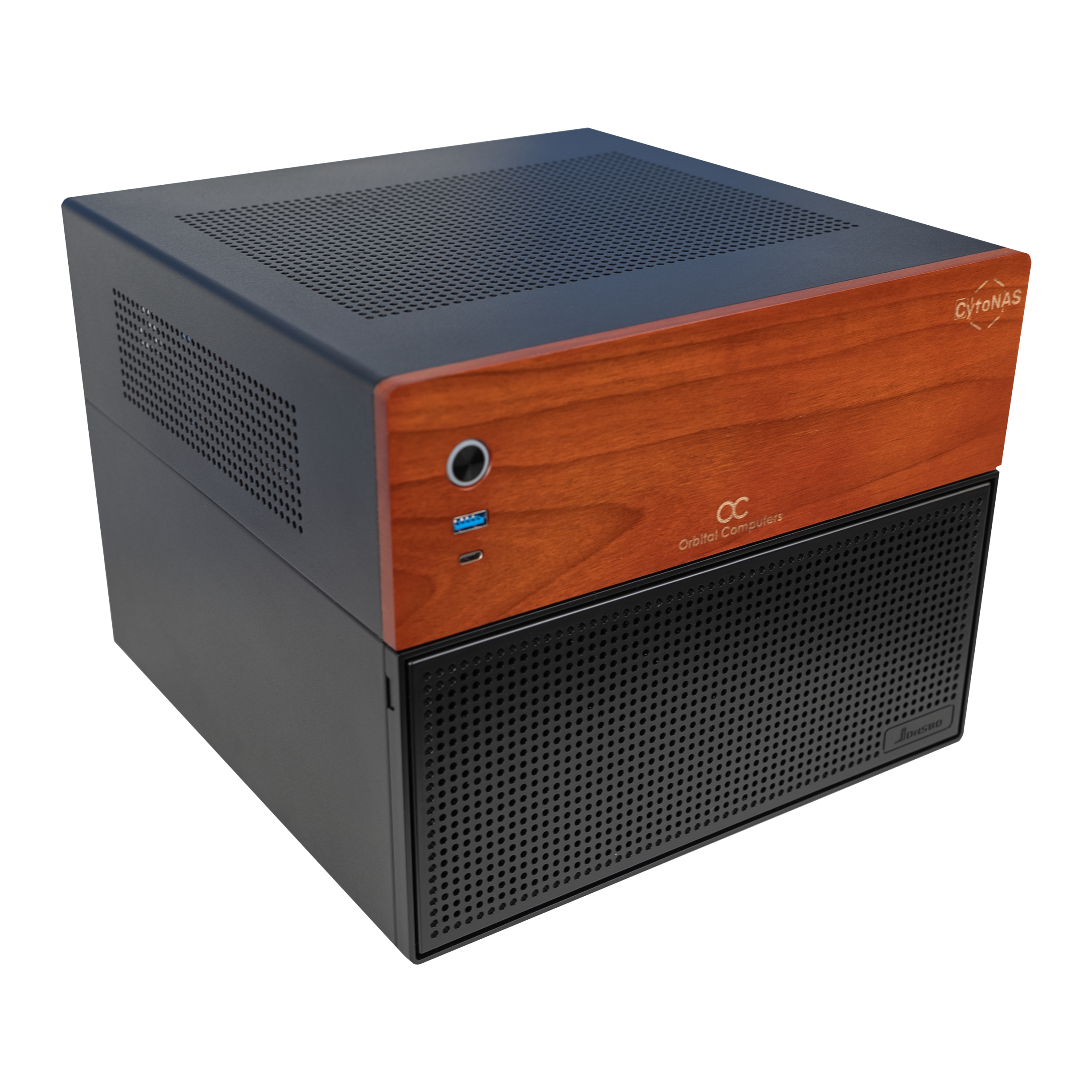
CytoNAS is our solution for simple to setup and use Network Attached Storage. This product aims to solve two fundamental problems of most commercially available networked storage devices: Afordability, and Complexity.
CytoNAS is a networked file server that simply connects to your local network, and after following our quick start guide to connect and mount the network drive, immediately provides fast file storage that is accessible to any device on the local network. From your PC, CytoNAS works like any internal or external hard drive.
TrueNAS Community is the operating system running CytoNAS under the hood. Though it’s not required to do so, CytoNAS can be fully reconfigured in the TrueNAS web GUI and can be configured to run home server applications like Jellyfin, PLEX and many other useful applications. The CPU and motherboard are also more than powerful enough to excel at running media server applications, since they are desktop grade components. For anything more complex than basic media server applications though, a dedicated server may be warranted. To configure a full custom server, reach out to our consulting team and we’ll work with you to build the right machine for your use case.
Where other Network Attached Storage devices may be more fit for use cases requiring extreme reliability, or massive network bandwidth, those devices; suitable for large enterprises and file hosting to hundreds or thousands of users, tend to be overkill for the average home user or small to medium sized business and they are priced accordingly. Enterprise grade hardware often also requires a high level of technical networking experience to configure and operate.
Video Editing Teams
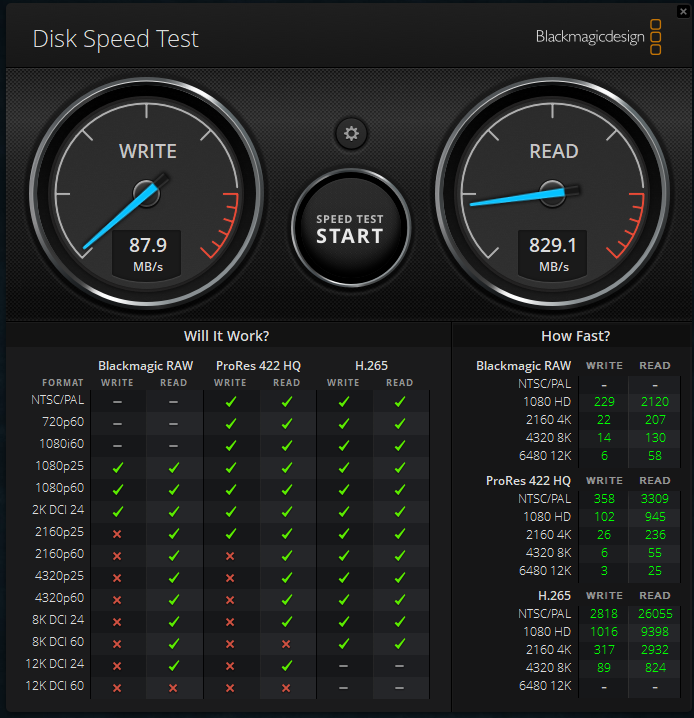
RAIDZ1 HDD Editing Performance
CytoNAS’ entry level configuration, “Graphite” is configured with 4x NAS hard drives in a ZFS RAID-Z1 (Comparable to RAID 5). This configuration allows CytoNAS to reach read speeds that are fast enough to seamlessly scrub through a timeline with 4K RAW or ProRes video. Write speeds for RAID-Z1 are lower, but this has less of an impact on overall editing performance since write speeds primarily affect final render speed. Upgrading to SSD’s significantly improves both read and write speeds, but the starting HDD option is still sufficient for demanding video editing workflows.
Enabling Team Editing
Deploying a NAS is the simplest way to enable team editing workflows in Adobe Premiere Pro or Davinci Resolve using solutions like the DaVinci Resolve Project Server application.
CytoNAS Is Now Available to Order!
CytoNAS Graphite
Premium NAS designed for home file servers and small video editing teams. Capable of 4K RAW editing over LAN, streaming media to multiple devices in a home, or safely backing up files without sending data to the cloud! Uses non-ECC RAM and consumer desktop hardware to minimize up front cost and maximize serviceability.