
Recommended Solidworks Workstations
Orbital Computers’ Workstation PCs are matched to your software by an expert, then assembled, tested and supported by our US team.
Call 877-976-7510 to speak to a configuration expert straight away. Mon–Fri, 8am–4pm Pacific.
Email us your questions. Tell us about your workflow and we’ll recommend the best possible system for your unique needs.
Click here for LAPTOP workstations.

Best value
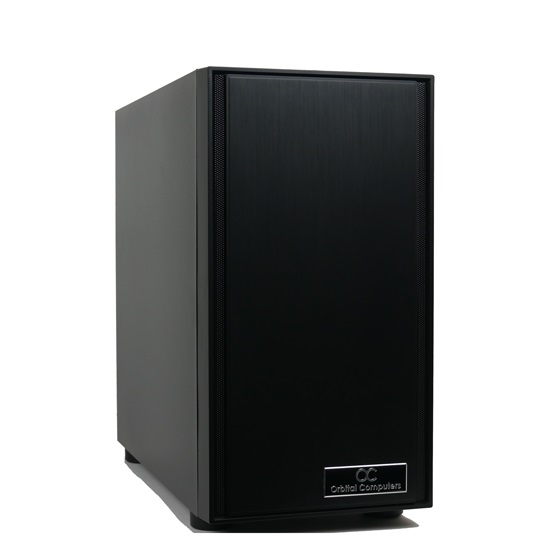
Orbital C1000
Cost-effective workstation for most CAD, CAM and content creation.
Cost-effective for most CAD and CAM
- Up to Intel Core Ultra 5 Plus
- Up to 18 cores, 5.3GHz
- Easy to upgrade later
From $1,536
Customize and buy Orbital C1000
Recommended
Silenced C2000
The fastest single-thread speeds, which is what most CAD work runs on.
Fastest single-thread speeds for CAD
- Up to Intel Core Ultra 9 285K
- Up to 24 cores, 5.7GHz turbo
- Silent Noctua cooling
From $2,824
Customize and buy Silenced C2000
AMD Ryzen
Silenced C2000A
AMD Ryzen 9 performance at an affordable price.
Ryzen 9 performance, lower price
- Up to AMD Ryzen 9 9950X3D
- Up to 16 cores, 32 threads, 5.7GHz
- PCIe 5.0 SSD, up to 14,500 MB/s
From $2,755
Customize and buy Silenced C2000A
Quad GPU Threadripper
Orbital GPU Pro
Threadripper Pro with room for up to four GPUs.
Up to four GPUs, ECC memory
- AMD Threadripper Pro
- Up to four GPUs
- ECC memory
From $12,715
Customize and buy Orbital GPU ProMobile workstations

16-inch
Orbital MW-1000
Mobile workstation for CAD and AI on the road.
CAD and AI on the road
- Intel Core Ultra 9 290HX Plus, 24 cores
- Up to RTX 5070 Ti 12GB
- Up to 96GB DDR5
From $3,065
Customize and buy Orbital MW-1000
18-inch
Orbital MW-3000
Desktop-class power on the road, with an RTX 5090 laptop GPU.
RTX 5090 laptop
- Intel Core Ultra 9 290HX Plus, 24 cores
- RTX 5090 24GB laptop GPU
- Up to 192GB DDR5
From $5,765
Customize and buy Orbital MW-3000Best Value
Orbital C1000
Cost Effective workstation for most CAD, CAM, and Content Creation professionals. Best Bang-For-Buck. User upgradable for future expansion.
From: $1,536.00
Recommended
Silenced C2000
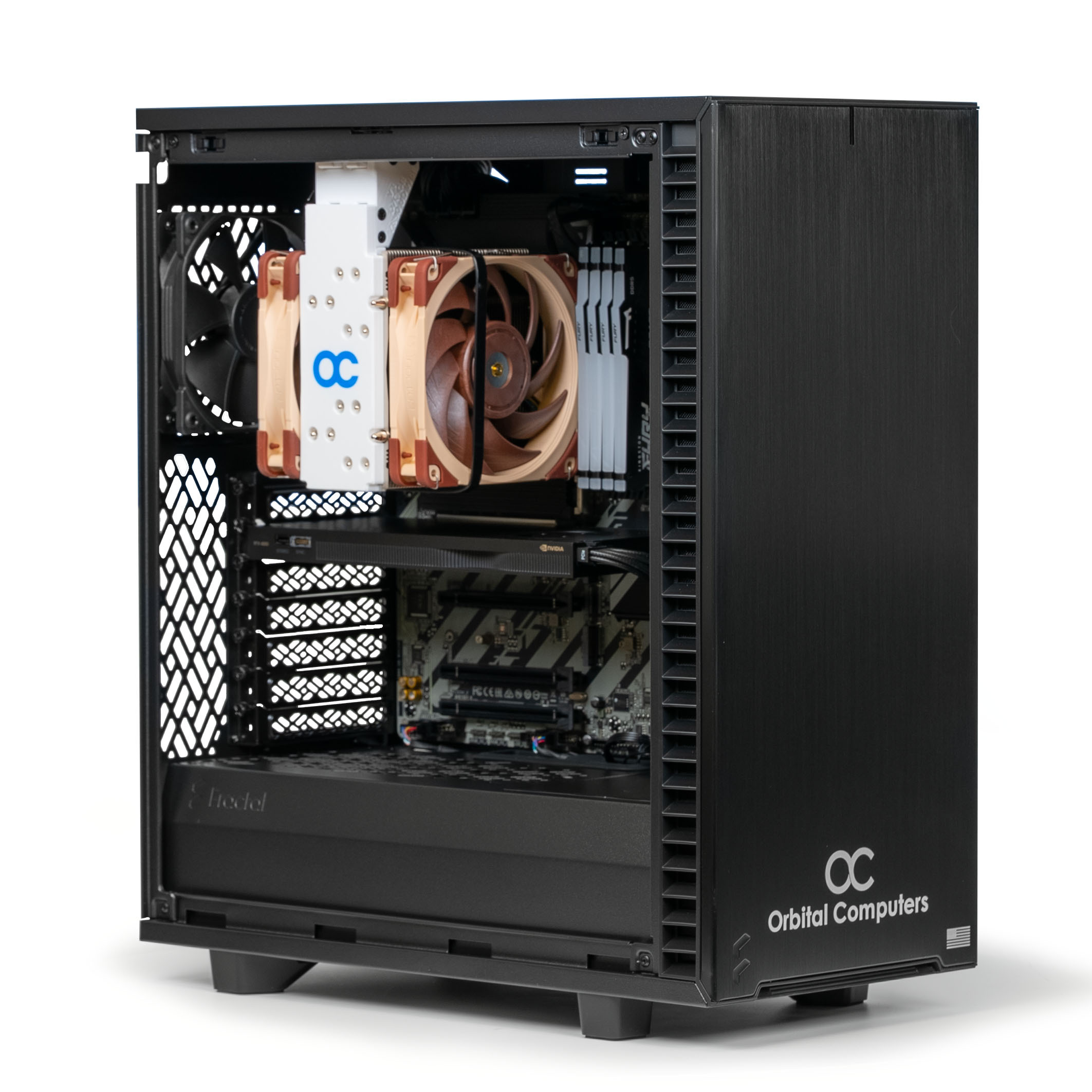
Highly recommended workstation with latest 15th Gen Intel Core Ultra CPUs - Fastest Single-Thread PC. Generally provides the most usable performance possible for most tasks by optimizing single-thread speeds.
$2,824.00
For Rendering & Simulation
Orbital GPU Pro
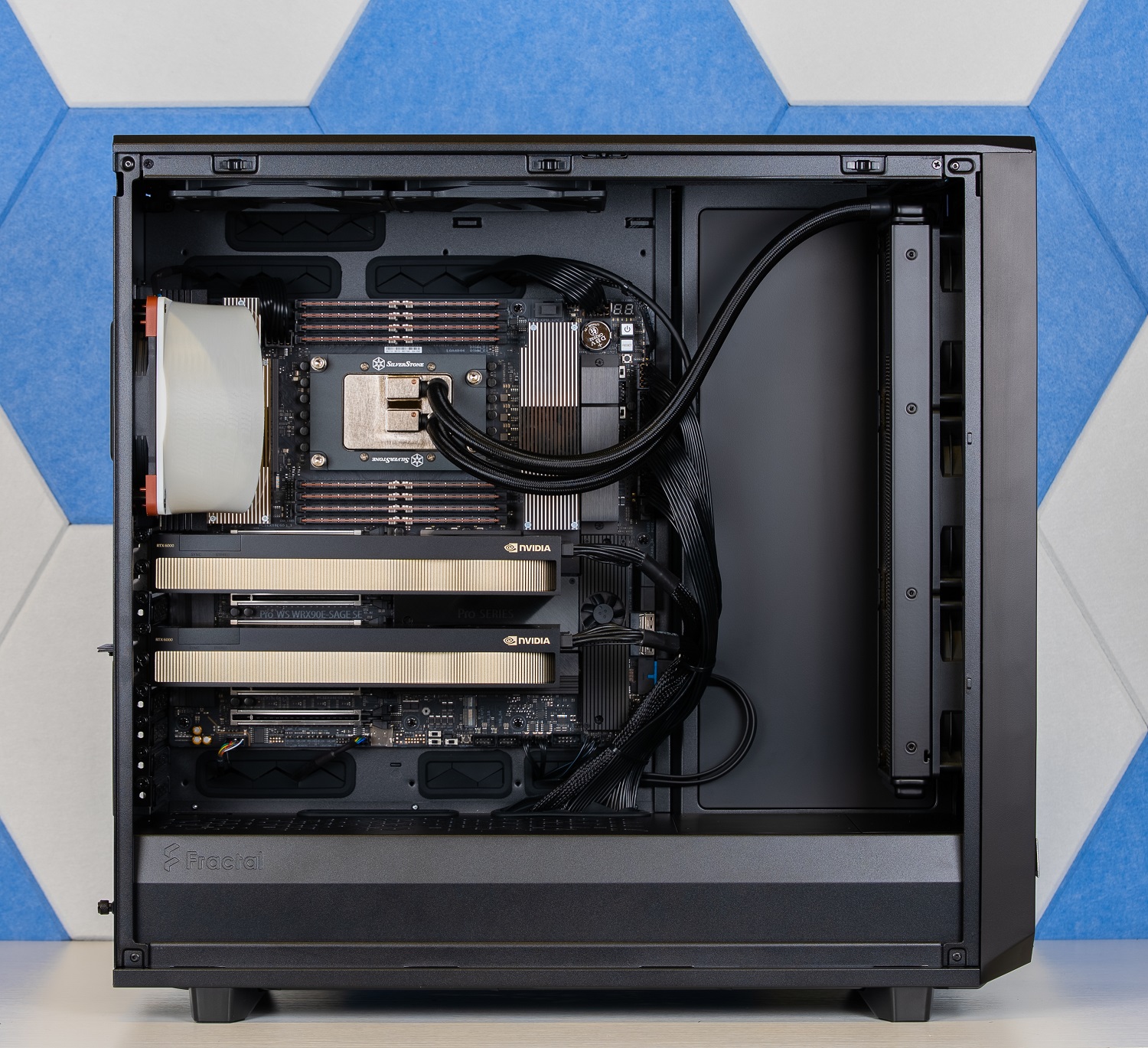
For teams and serious practitioners fine-tuning large models or serving inference in production, where one GPU is no longer enough. Built for fine-tuning models up to ~70B, serving multiple concurrent inference requests, and parallel experimentation. The Threadripper Pro platform gives you the PCIe lanes and ECC memory that consumer boards can't. Configure with 5090s for maximum throughput per dollar, or RTX 6000s for 192GB of total ECC VRAM.
From: $12,715.00
Highend Mobile Workstation
Orbital MW-1000
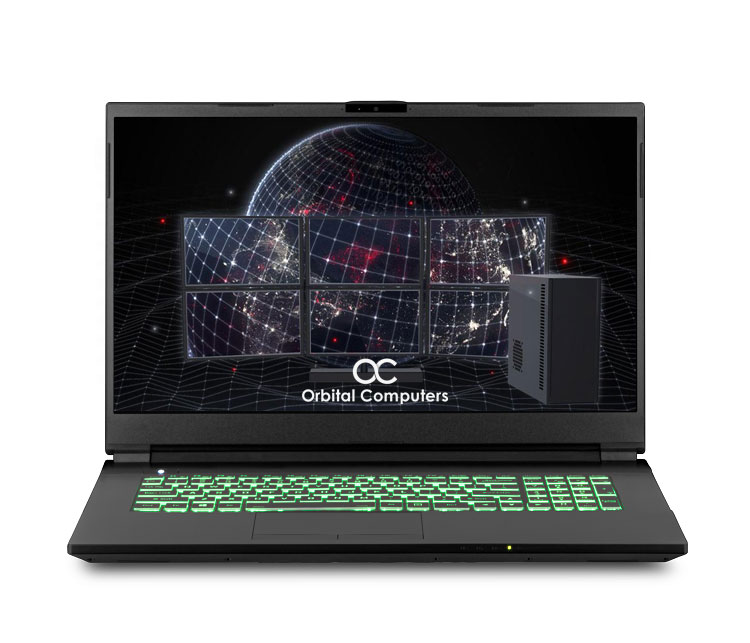
Extremely impressive mobile workstation with Intel Ultra 9 CPU. Top of the line single and multi-threaded performance make the MW1000 ideal for light to heavy 3D CAD and trading workloads.
From: $3,065.00

² The full selection of ISV-certified NVIDIA RTX professional cards and NVIDIA GeForce RTX cards is available with every workstation – select a system above to configure. If you need a card that isn’t listed on the site, contact us.
³ The Intel Core i9 is an option on the C2000.
Solidworks Workstation
Configuration Recommendations
CPU / PROCESSOR
The ideal Solidworks CPU should prioritize single-threaded performance, measured in GHz (the higher the GHz value, the faster most Solidworks tasks will be calculated). Solidworks can also make use of multiple cores with to process some tasks in parallel, providing major improvements in calculation speed. Multi-threaded tasks include rendering, most simulations, and heavy multi-tasking. The best CPU for most Solidworks workloads is the Intel Core Ultra 9 which offers the best blend of high core count with the fastest single-thread performance on the market. We no longer recommend overclocking CPUs as the decrease in stability is not worth the minor improvements in performance.
MEMORY / RAM
Solidworks is a very memory intensive program. For most people, 32GB of RAM should be enough, but if your workload is particularly large, complex, or detailed, you may want to increase the RAM capacity to 64GB. All Orbital Computers Workstations are designed to be user expandable with non-proprietary memory modules. All RAM used by Orbital comes with a manufacturer’s lifetime warranty on parts.
SYSTEM
For most users, the Orbital Silenced C2000 is the recommended base workstation for Solidworks. The C2000 is available with the fastest single-threaded Intel Core Ultra CPUs while still maintaining a healthy amount of CPU cores/threads. For Solidworks users who perform heavy rendering and/or simulation, we recommend the C3000 Pro with an Intel Core Ultra 9 CPU that offers more cores/threads with a high operating frequency.
GRAPHICS CARD
The GPU is a critical component to maximize 3D performance within Solidworks. We have had extensive experience using both NVIDIA’s ISV-certified RTX professional cards and GeForce RTX cards for Solidworks. For moderate 3D workloads, the RTX PRO 2000 Blackwell is ideal. For very heavy 3D workloads or Visualize, the NVIDIA RTX PRO 4000 Blackwell or RTX PRO 5000 Blackwell are recommended for their increased video-RAM capacity and greater number of CUDA processing cores which will enable larger, more detailed 3D scenes to be edited and manipulated with higher frame rates.
STORAGE
A fast solid state drive (SSD) is included by default on all Orbital workstations. Fast drives will help improve file loading, saving, and transferring times. For most AutoCAD workstations, we recommend at least a 500GB solid state drive for your operating system and all programs, as well as a traditional hard drive as needed for long-term storage of spare data. We also offer Gen 4 and 5 M.2 NVMe PCI-e SSDs which operate at speeds nearly 5-6 times faster than normal SSDs for maximum storage performance.
WHY ORBITAL
Orbital Computers has been a leading professional workstation computer builder since 2013. We only build with the highest quality components, providing maximum performance, long-term reliability and in-house tech support from our US team, free for life. All Orbital Computers Workstations are assembled and supported in the USA.
The Orbital Computers Difference

LIFETIME LABOR WARRANTY
3 years parts and lifetime labor coverage included at no extra cost on all Orbital Computers Desktops.

PREMIUM COMPONENTS
Our engineers test components from all manufacturers and only the best hardware makes the cut and each PC is individually stress tested before shipment.

ZERO BLOATWARE
We never install excess software like the mainstream brands. Just a clean, machine, tuned to perfection and ready to go out of the box.

BETTER PARTS, LOWER PRICE
Each Orbital computer is purpose-built to match your workload. This is key to making our machines faster and lower priced than the competition.

TAILOR MADE FOR YOUR PROJECTS
Every Orbital computer is configured for the precise types of projects it will be handling. Contact us for a personalized build quote.

MODULAR BUILDS
Our modular approach allows for fast and easy upgrades and repairs. Our desktops never use proprietary components, and are designed with upgradability and ease of use in mind.

What Our Customers Are Saying
“This computer is so quiet and fast without a single issue. Price is very competitive. I would recommend their comptuers to anybody, you can trust Orbital Computers. Tried and Tested.”
Serious Workstation PCs For Serious Professionals
Assembled and Supported in America, Orbital Computers Workstations are serious workstations designed for serious work. We don’t cut corners. We put Stability First on all our workstation PCs. We know you rely on your PC to get your job done and we take that very seriously. Maximum up-time, peak performance, and unyeiling reliability is the promise we make to you.
We're Here To Help
Give us a call at 877-976-7510 and tell us about your project requirements. We’ll provide a free detailed system consult right away to ensure that your new hardware matches your software’s requirements perfectly. You’ll reach our Mukilteo WA office and will be connected to an in-house configuration expert straight away. You can also email us your questions and requirements for a quick response.