
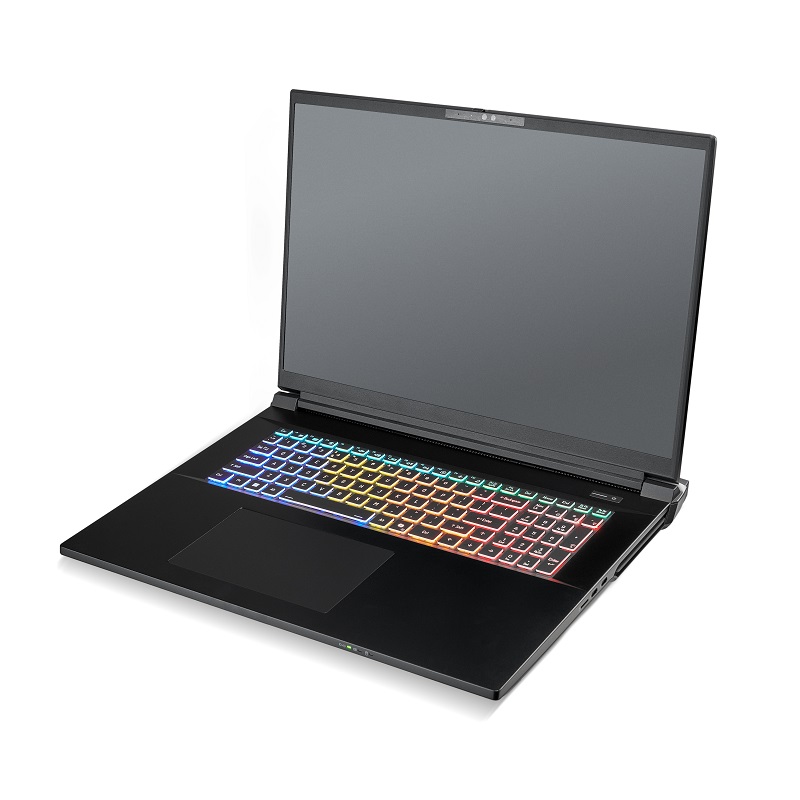
You don’t need a data center to run a capable AI model. In our testing, a laptop with a 24 GB GPU ran a 27-billion-parameter model at about 45 tokens per second. A workstation with 48 to 96 GB of GPU memory steps up to 70B-class models. A small multi-GPU server runs open models with 200 billion parameters or more, and serves a whole team.
Local models don’t replace a frontier subscription like Claude, ChatGPT or Gemini. They work best beside one. Give the local model the high-volume, low-judgment work: reading huge logs, drafting boilerplate, stripping private data. Send the frontier model only what needs its reasoning. You spend fewer frontier tokens, stretch your plan’s usage limits and keep sensitive files on your own machine.
How to Size a GPU for a Model
GPU memory (VRAM) decides which models you can run, and memory bandwidth decides how fast they answer. A model must fit entirely in VRAM to run at full speed. If part of it spills into system RAM, it slows down sharply.
The VRAM a model needs has three parts:
- Weights: parameter count times bits per weight, divided by 8.
- Context (KV cache): grows with the context length and with every user served at once.
- Overhead: roughly 1 to 2 GB for the runtime and its buffers.
Quantization shrinks the weights. Approximate sizes, weights only:
| Precision | Bits per weight (approx.) | 27B model | 70B model |
|---|---|---|---|
| FP16 / BF16 | 16 | ~54 GB | ~140 GB |
| 8-bit (Q8_0) | ~8.5 | ~29 GB | ~74 GB |
| 4-bit (Q4_K_M) | ~4.9 | ~17 GB | ~42 GB |
| 1-bit (Q1_0) | ~1.1 | ~4 GB | ~10 GB |
4-bit is the usual sweet spot for local use. It cuts memory to about a third of FP16 with a small quality loss. Below 4-bit, the savings grow, but so does the risk to accuracy.
Speed comes from bandwidth. When one person is chatting, each new token means reading every active weight from memory once. So the ceiling is roughly memory bandwidth divided by the size of the weights. Real-world speed usually lands at 70 to 90% of that ceiling.
For example, the RTX 5090 Laptop GPU has 896 GB/s of bandwidth. Divided by the 16.8 GB file of a 4-bit 27B model, that gives a ceiling of about 53 tokens per second. We measured about 45, roughly 85% of the ceiling.
Mixture-of-experts (MoE) models bend the rules in your favor. They hold many “experts” but read only a few per token. gpt-oss-120b, for example, has 117B parameters but uses only 5.1B per token. It needs VRAM for all 117B, yet it generates text far closer to the speed of a 5B model than a 117B one.
What We Measured On a 24 GB Laptop GPU
A 4-bit 27B model fits a 24 GB laptop GPU and runs fast enough for real work, but its context tops out below 64K. We tested on one of our own laptops: an Intel Core Ultra 9 275HX, 64 GB of RAM and an RTX 5090 Laptop GPU, running LM Studio on Windows 11.
| Setup | Fits in 24 GB? | Result |
|---|---|---|
| Qwen3.8 27B, 4-bit (Q4_K_M), 32K context | Yes | About 45 tokens/s; passed 8 of 8 coding tasks |
| Qwen3.8 27B, 4-bit (Q4_K_M), 64K context | No, needs about 24.6 GB | Not run |
| Bonsai 27B, 1-bit (Q1_0), 128K context | Yes | Found the one relevant entry in a 42,000-token log; passed 0 of 8 coding tasks |
Three things stood out:
- Context is the hidden cost. Doubling the context from 32K to 64K tokens pushed the same model past the card’s 24 GB. If you work with long documents, size for the context, not just the model.
- 1-bit models are search tools, not coders. Bonsai fit four times the context and found what we asked for in a 42,000-token log. It failed every coding task, so we never use it to write code. One caveat: Bonsai is a 1-bit build of the older Qwen3.6-27B, so the gap isn’t down to bit depth alone.
- One big model at a time. With full context, 24 GB holds one of these models at a time. Swapping took 7 to 15 seconds, so we group tasks by model.
What Each Hardware Tier Runs
The tier sets the biggest model you can run well. GPU memory runs from 16 GB on an entry desktop to 384 GB on a four-card build. The table pairs each tier with GPUs Orbital offers and what fits at 4-bit with room left for context.
| Tier | GPUs (Orbital systems) | Memory per GPU | Bandwidth | Fits well at 4-bit | Best for |
|---|---|---|---|---|---|
| Laptop | RTX 5090 Laptop (MW-3000) | 24 GB | 896 GB/s | Dense models up to ~27B at 32K context; gpt-oss-20b | One person on the move: coding helper, log triage |
| Entry desktop | RTX 5060 TI (Orbital C1000) | 16 GB | 450 GB/s | Dense models up to ~14B, such as Qwen3-14B; gpt-oss-20b | Light helper tasks, learning the tools |
| Desktop | RTX 5090 or RTX PRO 4500 (Silenced Monolith, Silenced C2000) | 32 GB | 1,792 GB/s (5090); 896 GB/s (PRO 4500) | Dense 27B to 32B at 64K context, such as Qwen3.8-27B or Gemma 4 31B | A daily local helper with room for long files |
| Pro workstation | RTX PRO 5000 48 GB or RTX PRO 6000 96 GB (Silenced Monolith, GPU Pro) | 48 or 96 GB | 1,344 GB/s (PRO 5000); 1,792 GB/s (PRO 6000) | 70B dense, such as Llama 3.3 70B (tight on 48 GB); on 96 GB, 120B-class MoE such as gpt-oss-120b | Larger, stronger models for a power user or a small team |
| Multi-GPU workstation or small server | 2 to 4 RTX PRO 6000 (Quantum, GPU Pro) | 96 GB each, up to 384 GB total | 1,792 GB/s per card | 200B+ MoE, such as Qwen3.5-397B-A17B on four cards; many users at once | A shared model for a whole team |
For a 4-bit 27B model (about 16.8 GB), the speed ceiling is about 53 tokens/s at 896 GB/s, 80 at 1,344 GB/s and 107 at 1,792 GB/s. Expect 70 to 90% of that. These are estimates from the formula above, except the laptop’s 45 tokens/s, which we measured.
More cards add room for bigger models and more users at once. One person’s speed rises too, but by much less than the card count. For a shared server, use a serving engine such as vLLM, which handles many users at once far better than a desktop app.
Entry laptops with 8 to 12 GB GPUs, like the RTX 5060 and 5070 Ti options in the MW-1000, suit 8B-class models such as Qwen3.5-9B.
Local + Frontier: Who Does What
Local models win on volume and privacy, and frontier models win on reasoning. Split the work that way, and your biggest inputs never touch your subscription.
The frontier model plans and decides. The local model does the reading and the first drafts, and hands back a few hundred tokens instead of the whole file.
Why it saves tokens. Frontier plans either bill per token (API) or cap your usage (subscriptions), and input tokens count either way. A 200 KB log is roughly 115,000 tokens, and it costs that many input tokens every time the frontier model reads it. Read locally, it costs some GPU time, and only a five-bullet summary goes to the cloud.
What stays on the frontier model. Keep anything where a wrong answer is expensive: architecture and design, security-sensitive code, customer-facing writing and the final review. Local models at these sizes make more mistakes, and a single GPU’s memory limits how much context they can use.
What moves to the local model. Hand off work that is high-volume and easy to check: searching and summarizing large files, extracting fields, first drafts of tests and boilerplate, and redacting private data before anything leaves the machine.
How We Use it Day to Day
On the laptop above, we run a frontier coding assistant (Claude Code) with the local models as its helper. A small PowerShell script is the bridge. It starts LM Studio, loads the right model and hands it file paths. The frontier model writes a short brief, the local model reads the files, and only its short answer goes back.
Logs are the heaviest input: ours average about 1.75 characters per token, against about 3.2 for code.
What we hand to the local model:
- Triage of big inputs: “Which functions write to the database?” across a codebase, or “Summarize the crash cause in five bullets” over an exported event log.
- Boilerplate and tests: the local model writes a test file straight to disk, and the frontier model sees only a one-line status.
- Redaction: when an input may hold customer data, we have the local model mask names, emails, serial numbers, order numbers and hostnames before anything goes back. The raw file never leaves the laptop.
The rules that make it work:
- Write a self-contained brief. The local model sees only the task and the files, so name the target language version and the exact output format.
- Verify by running, not re-reading. Run the generated tests and spot-check cited lines. Reading the whole output back throws the savings away.
- Number the lines for it. Local models miscount lines: in one test, a model was off by 83.
- Treat the output as a junior’s draft. Design decisions, judgment calls and final edits stay with the frontier model and the person.
- Run tasks in parallel. Our setup runs up to four local calls on the GPU at once.
What it Saves: Headroom First, Dollars Second
On a subscription, the biggest win is headroom. Files the local model reads never count against your plan’s usage limits, so your allowance goes to reasoning instead of reading. On the API, the same habit saves roughly $50 to $100 per developer per month in our worked example.
Usage limits. Subscription plans charge a flat fee and cap how much you can use. Hit the cap mid-task and work stops until it resets, or you move to a bigger plan. Big raw inputs use it up fast: one 200 KB log is about 115,000 tokens. In our example workload below, delegation keeps more than half a million tokens of raw files a day out of the frontier model’s context, per developer. None of the later turns have to carry them either.
Dollars, on the API. The table puts an API price on each delegated task. It assumes the file would otherwise stay in the assistant’s context for about 20 more turns. That’s how coding assistants work: every turn re-reads the earlier context, at a discounted cached rate.
| Task | Tokens kept out of context | Saved with Claude Opus 5.5 | Saved with Claude Sonnet 5.5 |
|---|---|---|---|
| Log triage: 200 KB log to a five-bullet summary | 115,000 | $1.03 | $0.52 |
| Codebase search: 40K tokens of code to a short list | 40,000 | $0.36 | $0.18 |
| Test file: 8K-token source to 3K tokens of tests | 11,000 | $0.15 | ~$0.08 |
A one-shot API call saves about half as much, and a session that runs 50 more turns saves up to about 1.7 times as much. Running each task locally costs a fraction of a cent in electricity.
Our example developer runs three log triages, four codebase searches and two test files a day. Over 21 workdays, that’s about $100 a month at Opus 5.5 prices or about $50 at Sonnet 5.5 prices, against under $1 of electricity.
How we got these numbers. These are estimates, not measurements. To measure your own, see Getting started, step 6.
- Prices: Anthropic’s API list prices in October 2026 (pricing). Opus 5.5 costs $4 per million input tokens, $5 per million to cache, $0.20 per million cached re-reads and $20 per million output tokens. Sonnet 5.5 costs half that.
- Electricity: a 175 W laptop under load for up to five minutes per task, at the July 2026 US home average of 18.3 cents per kWh (EIA).
- Token counts: these come from the local model’s tokenizer. The frontier model’s count may differ by about 30% either way.
- Not counted: the tokens the frontier model would spend thinking through each task itself, which would raise the savings. Also not counted: redoing a wrong local answer, which would lower them.
Don’t buy hardware for the dollars alone. At $100 a month, the savings would take almost five years to pay for an MW-3000 laptop. A 10-person team sharing a Quantum and saving $500 to $1,000 a month gets there in roughly 1.5 to 3 years. Buy for privacy, offline work and staying under your limits, and count the dollars as a bonus.
This Split Will Shift
The division of labor above reflects open-weight models as of October 2026, and it won’t stay fixed. Open-weight models have been improving quickly. Mixture-of-experts designs and better quantization also keep fitting more capability into the same memory.
As that continues, work we keep on the frontier model today, like hard debugging or design review, may move to the local side. Frontier models will keep improving too, so the gap may never fully close. What moves is the line between the two boxes in the diagram.
What stays true either way:
- The sizing math. VRAM decides what fits and bandwidth decides how fast, whatever the model.
- Headroom pays off. GPU memory beyond today’s needs is what lets next year’s models run on this year’s hardware.
- Swapping is cheap. With a local runner and a standard API, a better model is a download, not a rebuild.
When a major open-weight model comes out, rerun your own small test set. Move a task to the local side once the local model passes it.
Getting Started
- Check your VRAM. On Windows, open Task Manager, then Performance, then GPU, and read “Dedicated GPU memory”. Or run
nvidia-smi. - Install a local runner. LM Studio and Ollama both have desktop apps that download models and run them on your own machine.
- Pick a model with headroom. Use the tier table above, and leave room for context: a model that barely fits has no space left for long inputs.
- Connect it to your workflow. Both offer a local, OpenAI-compatible API that many assistants, editors and scripts can call. Ours is a short PowerShell script.
- Start with one boring, high-volume task. Log triage and test scaffolding are good first picks: easy to check, and expensive to send to the cloud.
- Measure it. Note your frontier usage for a week of normal work, then a week with delegation. Log the tokens the local model handled too, so you can see what moved.
Choosing Your Build
Choose a tier by the biggest model you need and by how many people will use it:
- Working on the move: the MW-3000 laptop with the RTX 5090 Laptop GPU.
- One person with a daily local helper: a Silenced Monolith or Silenced C2000 with an RTX 5090.
- Bigger models or a small team: an RTX PRO 5000 or RTX PRO 6000 in the Silenced Monolith or GPU Pro.
- One shared model for the whole team: the Quantum, with up to four GPUs.
- Rack servers or more than four GPUs: built to order after a consult.
Not sure which tier fits? Book a free build consult. Tell us which models and tools you use, and we’ll size the GPU, memory and power for them. Browse the full range on our deep learning workstations page.
Sources
- Orbital in-house tests, Oct 19, 2026: RTX 5090 Laptop GPU, LM Studio, Windows 11.
- GPU memory and bandwidth: GeForce RTX 50 Series laptops, laptop GPU comparison, GeForce graphics card comparison, RTX PRO 6000 Blackwell Workstation Edition datasheet, RTX PRO 5000 Blackwell datasheet, RTX PRO 4500 Blackwell datasheet
- Quantization and file sizes: llama.cpp quantize README, Qwen3.8-27B GGUF, Llama 3.3 70B GGUF, Qwen3.5-397B-A17B GGUF
- Model cards: Qwen3.8-27B, Bonsai-27B, Qwen3.5-9B, Qwen3-14B, gpt-oss-20b, Gemma 4 31B, Llama 3.3 70B Instruct, gpt-oss-120b, Qwen3.5-397B-A17B
- Local runners: LM Studio OpenAI-compatible API, Ollama OpenAI compatibility, Ollama desktop app
- Costs: Claude API pricing, EIA average retail price of electricity, July 2026
- Orbital systems: all products, laptop workstations, free build consult
Orbital MW-3000
Powerhouse laptop for the most resource-intensive CAD, 3D, and AI workloads. Maximum graphics performance with latest Nvidia RTX 5090 GPU with 24GB GDDR7 vRAM and 192GB DDR5 System RAM, and fastest mobile Intel Core Ultra 9 290HX Plus Processor.
$5,765.00
Silenced C2000
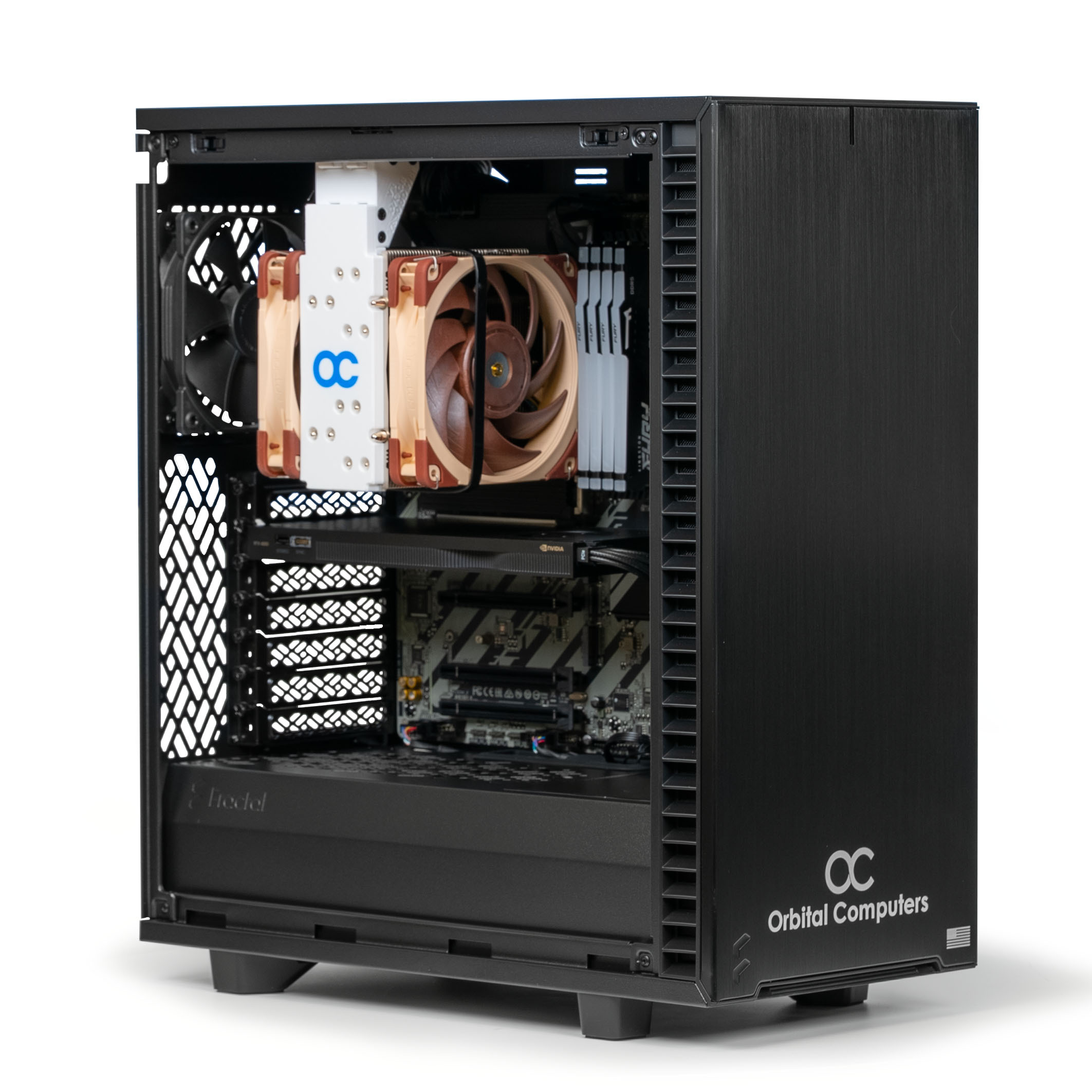
Highly recommended workstation with latest 15th Gen Intel Core Ultra CPUs - Fastest Single-Thread PC. Generally provides the most usable performance possible for most tasks by optimizing single-thread speeds.
$2,824.00
Orbital GPU Pro
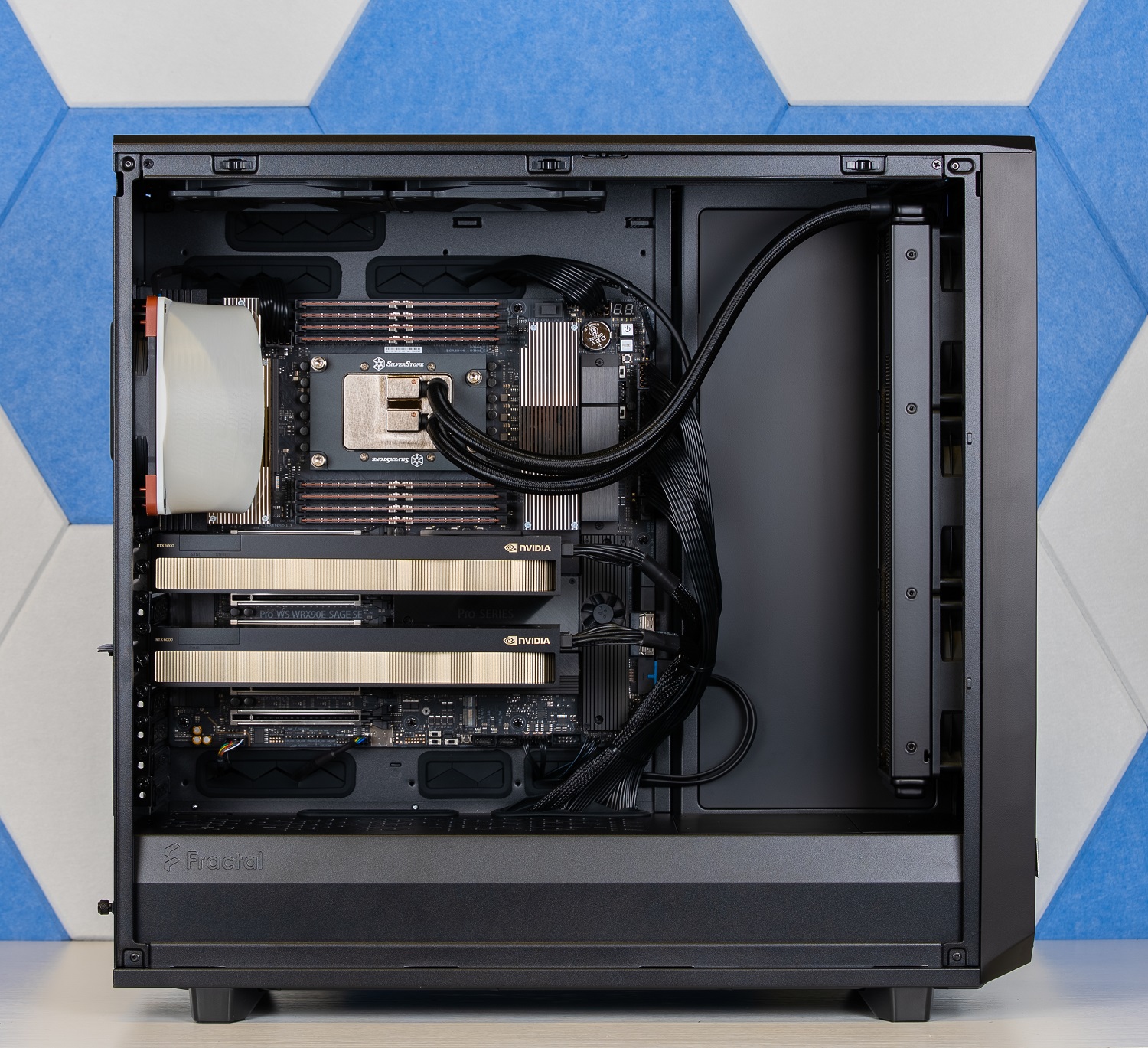
For teams and serious practitioners fine-tuning large models or serving inference in production, where one GPU is no longer enough. Built for fine-tuning models up to ~70B, serving multiple concurrent inference requests, and parallel experimentation. The Threadripper Pro platform gives you the PCIe lanes and ECC memory that consumer boards can't. Configure with 5090s for maximum throughput per dollar, or RTX 6000s for 192GB of total ECC VRAM.