

Most PCs Ship Within 5 Business Days – Assembled & Supported in America Since 2013

Blender Cycles Rendering Speed on 4x NVIDIA GeForce RTX 5090s

Orbital Computers Circuit Board Wallpaper

Intro

Over the last few months of teaching myself Blender, I’ve had the privilege of experiencing what I’m now sure is every 3D artist’s favorite pastime… Waiting for the render to finish!


My personal machine for Blender is an older custom build with an i9 11900K, 128GB of DDR4 RAM, and a GeForce RTX 4090, and even on that 4090, I’ve learned the pain of waiting hours for a render to finish, so I headed into work and decided to find out what the best render performance I could get on a dedicated workstation could be – short of a full blown rack mounted GPU server / Render Farm. 

Test System Hardware Details


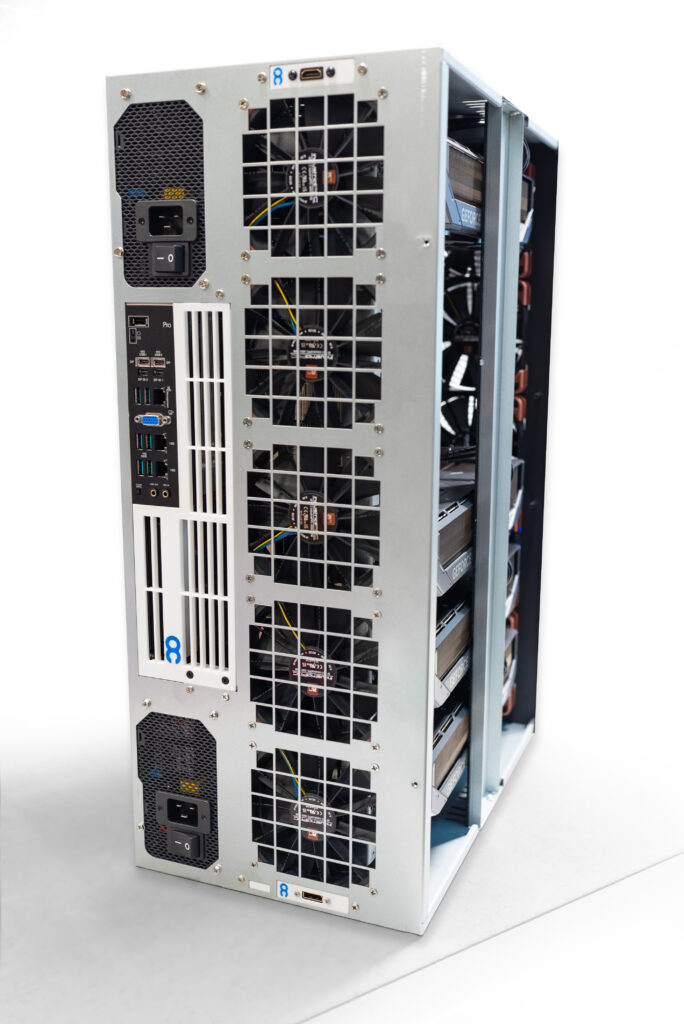
System #1: Orbital Computers “Quantum X4”
  • CPU: AMD Ryzen Threadripper Pro 9955WX 

  • CPU Cooling: Noctua NH-U14S TR4-SP3

  • Chassis Cooling: 10x Noctua NF-F12 3000RPM

  • Motherboard: ASUS WRX90-E SAGE Pro WS

  • RAM: 256GB DDR5 ECC – 8 x 32GB 8 Channel 4800

  • Storage: 2TB NVMe – Kingston S2000G

  • Video Card(s): 4x Gigabyte AOURUS Master GeForce RTX 5090

  • Power Supply(s): 2x Super Flower Platinum 1750W

  • Chassis: Orbital Computers Quantum X4

  • OS: Windows 11 Pro

Orbital Quantum


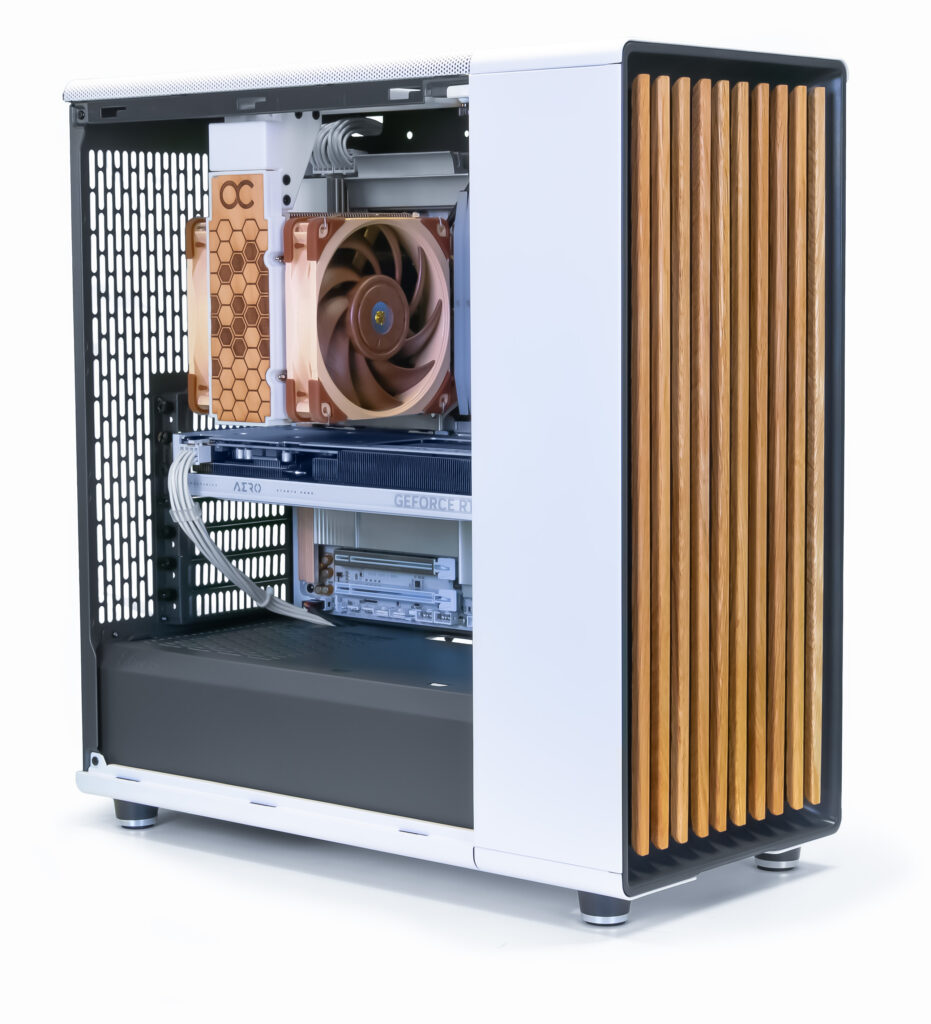
System #2: Orbital Computers “Alder”
  • CPU:  AMD Ryzen 9950X3D

  • CPU Cooling: Noctua U12A

  • Chassis Cooling: 2x 140MM Noctua NF-A14

  • Motherboard: Gigabyte Aero X870E Wood Edition

  • RAM: 128GB 2 Channel DDR5 5600

  • Storage: 1TB Gen5 NVMe

  • Video Card(s): Gigabyte RTX5060Ti Aero

  • Power Supply(s): Corsair RM850e

  • Chassis: Fractal North

  • OS: Windows 11 Pro

 
* Selected to Represent a Typical Mid-Tier Workstation Build, The Alder is configurable with multiple options for GPU, Storage, Memory, etc.. *
Orbital Computers Alder

Scene, Volumetrics, and Render Settings

I’ve only been learning blender for a few months, so I may not have these settings perfectly optimized for this kind of render. If you know the best render settings for this scene, please don’t hesitate to leave a comment and let me know! I’ve made sure these exact settings were run on both machines for a fair comparison.


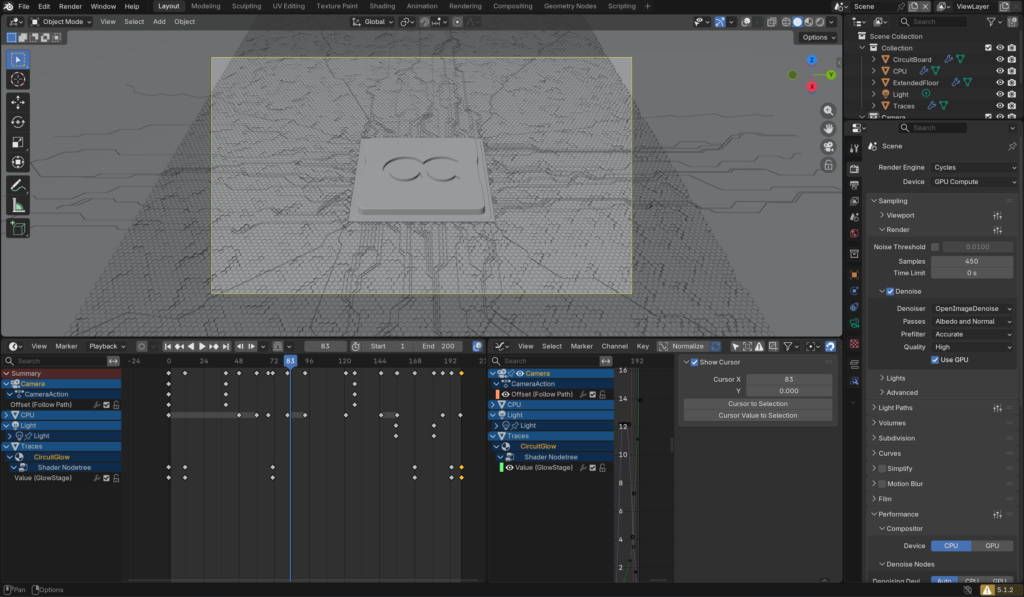
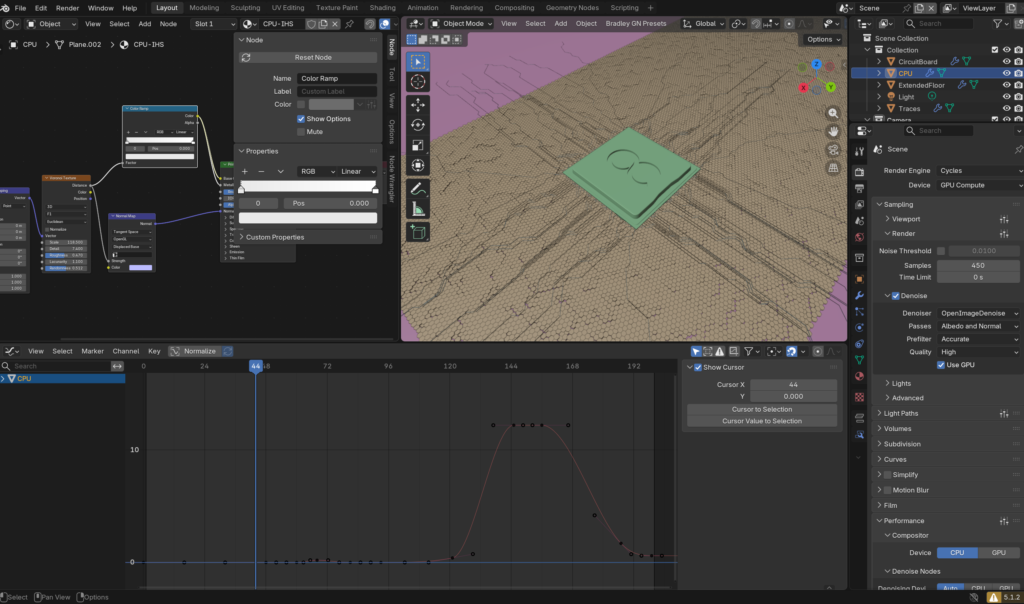
For this test project. I decided to create a simple logo tilt/zoom animation over a hexagonal patterned backdrop with glowing circuit patterns around a CPU. The hexagon mesh terrain is generated procedurally in geometry nodes out of instanced 6 sided cylinders and uses a noise texture for the heightmap. The circuit pattern similarly uses procedural geometry built in Geometry Nodes. The procedural geometry is unbaked and calculated at render time to give the Alder a fighting chance with it’s stronger single-threaded CPU performance.

 
Project Render Settings:

  • Render Engine: Optix
  • Graphics API: Vulkan
  • Renderer: Cycles
  • Samples: 450
  • Noise Threshold: Off
  • Denoising: OpenImageDenoise on GPU
  • Max Light Bounces: 16
  • Output Resolution: 1920 x 1080 PNG Image Sequence
  • Compositor running a single bloom node on CPU.

Blender Workflow Screenshot

The Final Render

A Look at The Numbers...

 The embeded video above edits in the final 2D logo at the end pushing the runtime out a second or so further, but the actual Blender render ends on the first frame of ‘OC’ on a black background at exactly 200 frames.


With 200 Frames total rendered on each machine, the comparison breaks down like this:


Quantum X4: 

Render Time: 11 Minutes

Frames Per Minute: 18.2


Alder

Render Time: 1 Hour and 26 Minutes

Frames Per Minute 2.3


Cost Comparisons:

I’ll refrain from getting into exact figures since the current market volatility of component pricing will make any figures I mention here potentially misleading within months. Instead, I’ll compare these systems in proportion to each other. The Quantum X4 is roughly 7x the cost of the Alder with all configurations as listed at the start of this post, and about 8x more performant in terms of frames per minute in medium complexity Cycles renders with procedural geometry.

These numbers make perfect intuitive sense. The render speed difference between these two builds is roughly proportional to their upfront hardware cost. Where things get interesting – and exponential rather than linear – is when you compare the hardware cost per frame over a period of time. If you are in a situation where time is money and can keep the Quantum X4 constantly fed with render jobs, then the Quantum X4 in easily the most economical option. 

Conclusions

If you can afford the upfront cost, earn money from your renders, and have enough work to keep it fed, the extreme render speed of a Quad GeForce RTX 5090 quickly pays for itself.

Orbital Quantum | 4x RTX 5090 / 6000 AI Workstation
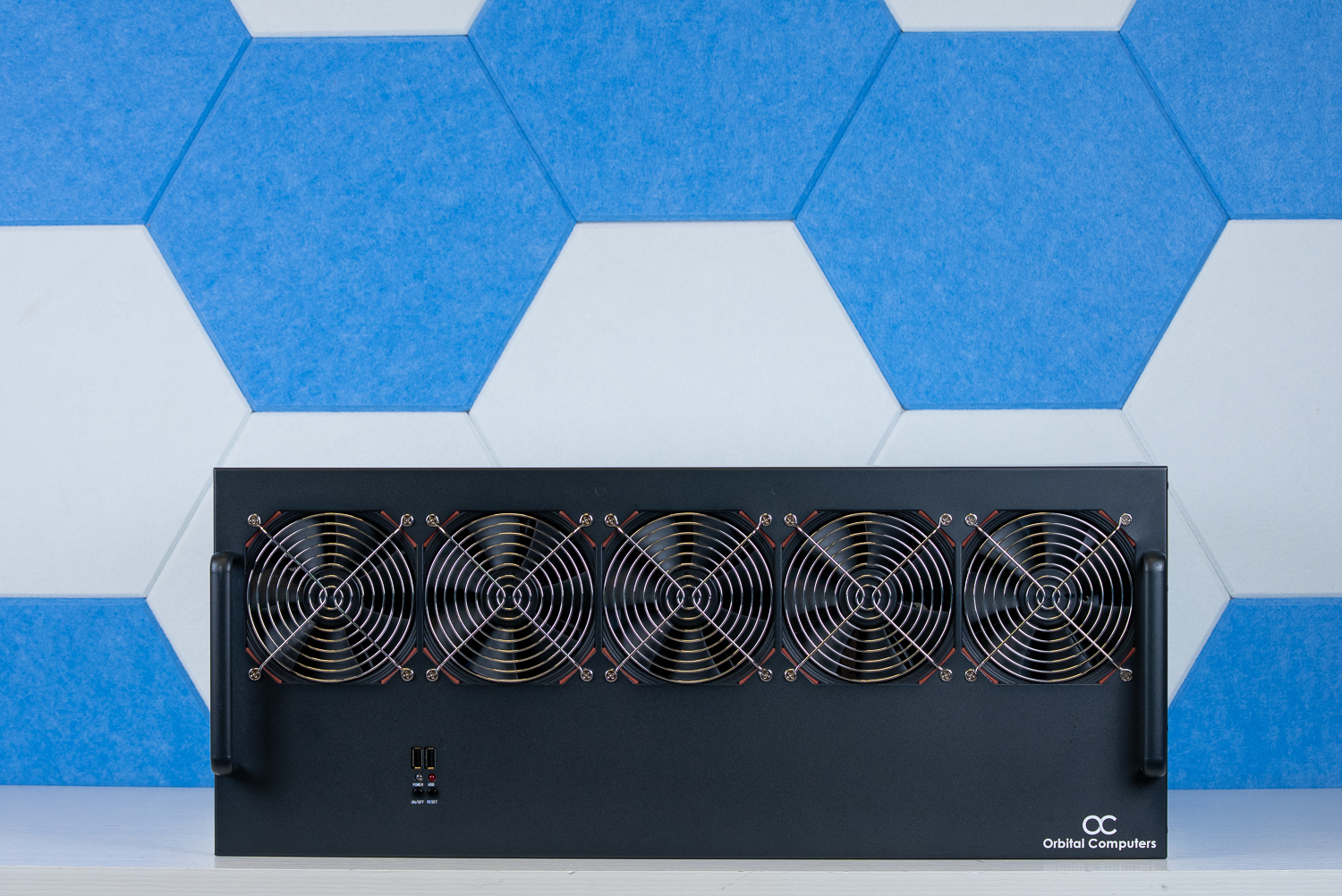
Orbital Quantum | 4x RTX 5090 / 6000 AI Workstation

Our flagship multi-GPU powerhouse for the most demanding workloads. Four GPUs, up to 384GB of VRAM, and Threadripper Pro compute for training large models, serving many users at once, or running workloads that would otherwise require a cloud cluster. The on-prem answer for teams that need full control of their data and hardware. Configure with 5090s or step up to RTX 6000s for maximum VRAM and ECC reliability.

Up to 384GB vRAM
GPU Support: Up to 4x RTX 5090 or RTX 6000 Pro Blackwell
Average Noise: 39dBA Idle / 85 dBA Peak
Power Requirements: Two 120V 15Amp Circuits (3400W max)
AMD Threadripper Pro, WRX90 Platform, Custom Extended 6U


From: $14,527.00

Bonus - Free Desktop Wallpapers!

Tags